Reset an automatic gate quickly when it stops working to avoid stress and inconvenience, especially if it blocks access to your home or business. Power outages, system errors, sensor problems, or minor electrical issues can cause these malfunctions.
In many cases, learning how to reset an automatic gate can quickly restore normal operation without the need for immediate professional help. Resetting an automatic gate is often a simple troubleshooting step that clears temporary faults and restarts the control system.
How Automatic Gates Work
Automatic gates rely on a combination of mechanical and electrical components that work together to control movement. When you press a remote button, enter a keypad code, or trigger a sensor, the control board sends a signal to the motor to open or close the gate.
These systems are designed to operate smoothly and safely, but like any electrical equipment, they can experience interruptions. Knowing the basics of how your gate works makes resetting and troubleshooting much easier.
Common Types of Automatic Gates
Automatic gates are available in several designs, each with its own operating method.
- Swing Gates: Swing gates open inward or outward on hinges, similar to a door. They are common in residential driveways and require enough space for proper movement.
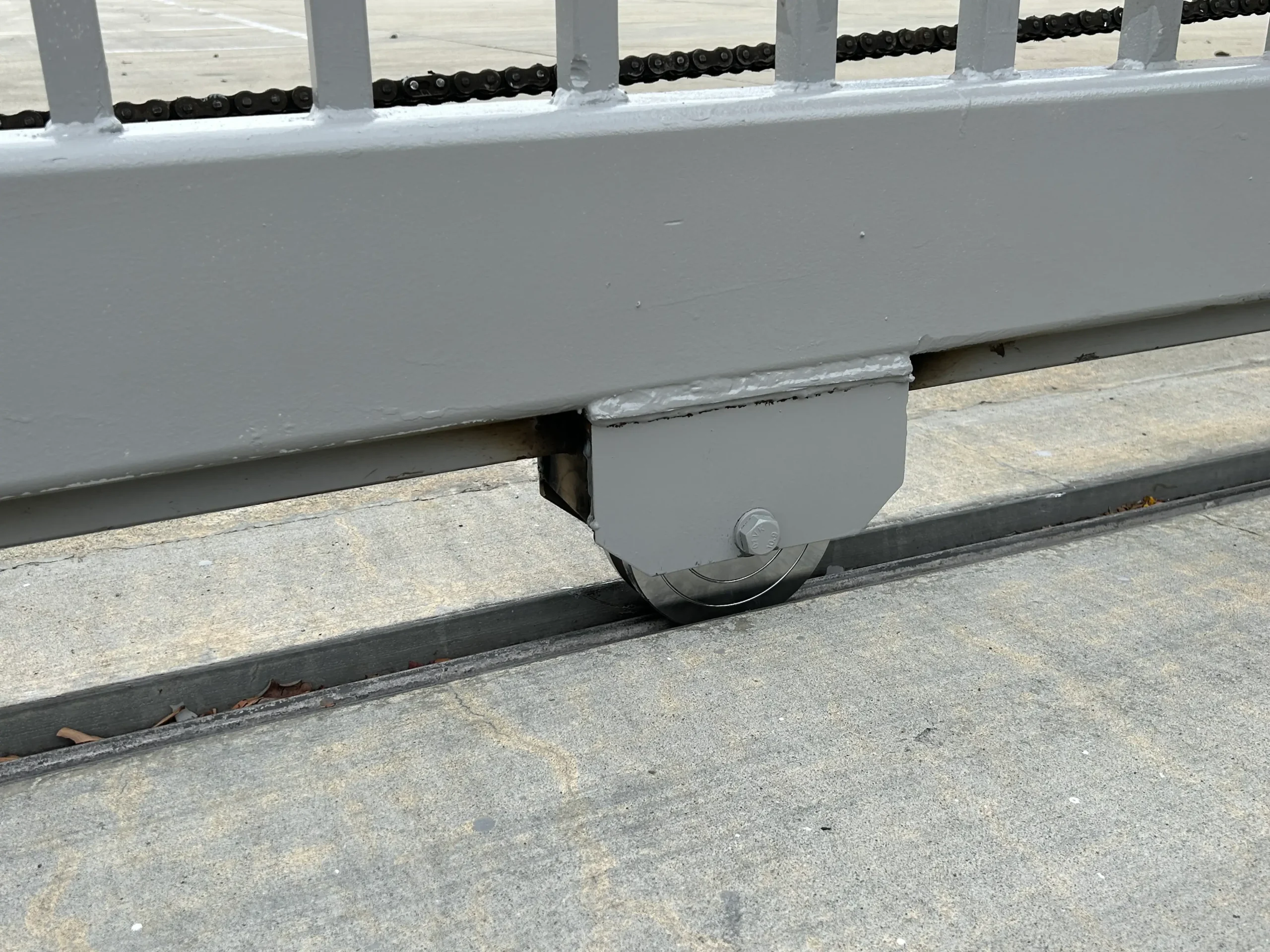
- Sliding Gates: Sliding gates move horizontally along a track or rail. They are ideal for properties with limited space or sloped driveways.
- Barrier Gates: Barrier gates lift vertically and are commonly used in parking lots, commercial entrances, and controlled access areas.
Key Components That Affect Gate Resetting
Understanding the main components involved helps identify why a reset may be needed. Problems in any of these areas can require a reset to restore normal operation.
- Gate Motor: The motor provides the force needed to move the gate. Overheating or power loss can cause the motor to stop responding.
- Control Board: This is the brain of the system. It receives commands and manages gate movement. Electrical glitches often originate here.
- Safety Sensors: Sensors detect vehicles, people, or objects and prevent the gate from closing when something is in the way.
- Power Supply: Automatic gates may use direct electrical power, batteries, solar panels, or a combination of these sources.

Common Reasons an Automatic Gate Needs Resetting
Automatic gates usually need a reset due to temporary issues rather than major failures.
Power Outages or Electrical Surges
Power interruptions can cause the control board to lose its settings or freeze. Resetting allows the system to restart properly.
Software or Control Board Glitches
Like other electronic devices, control boards can experience memory errors or communication issues that a reset can fix.
Sensor Interference
Dirt, debris, or misalignment in safety sensors may confuse the system and stop gate movement.
Manual Override Use
After manually opening the gate during an emergency or outage, a reset may be required to return it to automatic operation.
Safety Precautions Before Resetting an Automatic Gate
Safety should always come first when working around automatic gates. If you feel unsure at any point, stop and seek professional help.
- Disconnect Power: Turn off the main power source before touching any internal components to prevent electric shock.
- Clear the Gate Area: Make sure no vehicles, people, or pets are near the gate during the reset and testing process.
- Read Manufacturer Instructions: Each gate system is different. Always follow the manufacturer’s guidelines to avoid damage or voided warranties.
Step-by-Step Guide to Reset an Automatic Gate
Follow these steps carefully to reset most automatic gate systems.
Step 1: Turn Off the Power
Locate the power source, which may be a breaker switch, power box, or plug. Turn it completely off and wait for at least 30 seconds.
Step 2: Locate the Control Panel
The control panel is usually inside the motor housing or a nearby control box. Open it carefully.
Step 3: Find the Reset or Learn Button
Most gate systems have a reset, restart, or learn button on the control board. The label varies by manufacturer.
Step 4: Press and Hold the Button
Press and hold the reset button for about 10 to 15 seconds. Some systems may beep or flash lights during this process.
Step 5: Restore Power
Turn the power back on and allow the system to reboot fully. This may take a minute or two.
Step 6: Test the Gate
Use the remote, keypad, or control switch to open and close the gate several times. Watch for smooth movement and listen for unusual sounds. If the gate operates normally, the reset was successful.
Reprogramming Remotes After a Reset
Some automatic gates lose remote programming during a reset.
To reprogram a remote:
- Press the learn button on the control board
- Press the button on the remote you want to program
- Wait for a confirmation light or sound

Troubleshooting Problems After Resetting
Sometimes a reset does not fully solve the problem. Here are common issues and solutions.
- Gate Does Not Move: Check the power supply, circuit breaker, and battery backup. Replace remote batteries if needed.
- Gate Opens or Closes Partially: Inspect tracks, hinges, and rollers for debris or damage. Mechanical resistance can stop proper movement.
- Gate Makes Grinding or Clicking Sounds: This may indicate worn gears, loose chains, or motor strain. Continued use could cause further damage.
- Gate Opens or Closes on Its Own: This may be caused by sensor interference, wiring issues, or signal interference from nearby devices.
When You Should Call a Professional
While resetting can fix minor issues, some problems require expert attention. A trained gate technician can diagnose deeper problems, make safe repairs, and prevent future failures.
- Repeated failures after resetting
- Electrical burning smells or sparks
- Bent gate frames or broken hinges
- Damaged motors or control boards
- Safety sensor failures
Tips to Avoid Frequent Resets
Regular maintenance reduces the chances of gate malfunctions.
- Inspect Monthly: Check for loose bolts, worn cables, rust, or damaged wiring.
- Keep Tracks Clean: Remove dirt, leaves, and debris from sliding tracks and hinges.
- Lubricate Moving Parts: Apply appropriate lubricant to hinges, rollers, and chains every few months.
- Schedule Annual Service: Professional inspections help identify small issues before they turn into costly repairs.

Manual Release and Emergency Access
Most automatic gates include a manual release system that allows the gate to be opened during power failures.
Always know where your manual release is located and how to use it safely. After using manual mode, a reset is usually required to restore automatic operation.
Weather and Environmental Factors
Extreme heat, heavy rain, dust, and strong winds can affect gate performance. Electrical components exposed to moisture or debris are more likely to experience errors requiring a reset. Use weather-resistant covers and proper drainage helps protect gate systems.
FAQs
Where is the reset button on an automatic gate?
The reset button is usually on the control board inside the motor or control box. It may be labeled reset, learn, or program.
Why is my automatic gate not working after a reset?
This may indicate power issues, sensor problems, or a failing motor. Recheck connections and test safety devices.
Do I need to reset my gate after a power outage?
Yes, especially if the gate does not respond normally after power is restored.
Can resetting damage my automatic gate?
No, when done correctly. However, incorrect handling of electrical components can cause damage.
How often should an automatic gate be reset?
Resets should only be done when needed. Frequent resets may signal an underlying issue that needs repair.